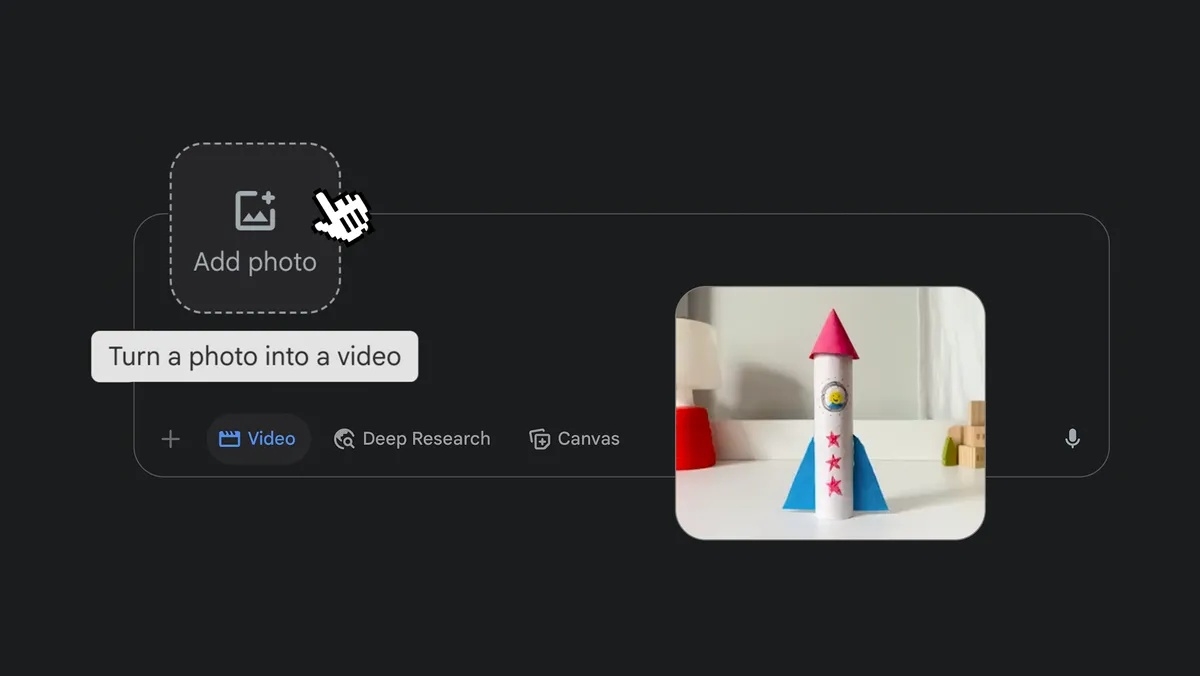
Step-by-Step Setup Guide👇Step 1: Open Gemini.Step 2: Sign in to your account.Step 3: Check that video tools are available.Step 4: Open the video tool.Step 5: Upload your video.Step 6: Choose your video size.Step 7: Write your editing prompt.Step 8: Generate the edited video.Step 9: Review the result.Step 10: Ask Gemini to fix anything wrong.Step 11: Download or save the final video.🎥 1. CINEMATIC UPGRADETurn any raw clip into a professional-looking video."Edit this video into a cinematic clip. Keep [your subject] unchanged. Improve the lighting to look like [lighting style]. Add [camera movement], [colour style], and [visual mood]. Do not change [what must stay the same]."Example: "Edit this video into a cinematic clip. Keep my face and outfit unchanged. Improve the lighting to look like warm sunset light. Add slow camera movement, soft contrast, and a calm luxury mood. Do not change the background."🌆 2. BACKGROUND REPLACEMENTChange your environment without reshooting."Replace the background in this video with [new background]. Keep [subject] exactly as they appear — same lighting, same movement, same scale. Make the new background match the [mood/time of day] of the original clip."Example: "Replace the background with a modern New York City rooftop at golden hour. Keep me exactly as I appear — same lighting, same gestures. Match the warm tone of the original."🗑️ 3. OBJECT REMOVALRemove anything distracting from your shot."Remove [specific object] from this video. Fill the space naturally using the surrounding [background elements]. Do not alter [subject] or the overall composition."Example: "Remove the water bottle on the table behind me. Fill the space naturally using the bookshelf behind it. Do not alter me or the scene composition."👗 4. OUTFIT CHANGETest a different look — no reshooting needed."Change my outfit in this video to [new outfit description]. Keep my face, hair, body shape, and movements identical. The outfit should match the [style/brand/colour palette] of the video."Example: "Change my outfit to a clean white linen blazer with black trousers. Keep my face, hair, and movements identical. Match the minimal luxury style of the video."🕐 5. TIME OF DAY TRANSFORMATIONFilmed at noon but need golden hour? No problem."Transform the time of day in this video from [current lighting] to [desired time]. Adjust the sky, shadows, and colour temperature. Keep all subjects, movements, and objects exactly the same."Example: "Transform the lighting from harsh midday sun to soft blue-hour evening. Adjust the sky and shadows accordingly. Keep all people and objects exactly the same."🎨 6. COLOUR GRADE & MOOD CHANGEChange the emotional tone of any video instantly."Apply a [colour grade/visual style] to this video. The mood should feel [desired emotion]. Use [shadow colour], [highlight colour], and [overall palette]. Only change colour and tone — nothing else."Example: "Apply a moody dark film colour grade. The mood should feel tense and dramatic. Use deep teal shadows, orange highlights, and a desaturated palette. Only change colour and tone."📐 7. CAMERA MOVEMENT EDITMake a static shot look dynamic — no stabiliser needed."Add a [camera movement type] to this video as if filmed with a [camera/lens type]. The movement should start [when/how] and feel [slow/fast/smooth]. Do not change the subject, background, or colour."Example: "Add a slow cinematic push-in movement as if filmed with an anamorphic lens. Start from the first frame and feel smooth and deliberate. Do not change the subject or background."✂️ 8. PACING & RHYTHM EDITFix slow or unstructured footage fast."Re-edit the pacing of this video to match the energy of [reference style]. Trim dead space between [actions/sentences]. Keep the key moments at [descriptions]. The final video should feel [punchy/calm/dynamic]."Example: "Re-edit pacing to match a high-energy Instagram Reel. Trim space between my sentences. Keep the moments where I hold up the product and smile at camera. Make it feel punchy and fast."🌦️ 9. WEATHER & ENVIRONMENT FXAdd atmosphere and drama to any outdoor clip."Add [weather effect] to the environment of this video. The effect should look realistic and [subtle/dramatic]. Keep the main subject completely unchanged. Blend the effect naturally with the existing lighting."Example: "Add light falling snow to the environment. Make it look realistic and subtle. Keep me completely unchanged — no blur or colour shift. Blend the snow with the cool daylight naturally."🔄 10. STYLE TRANSFERMatch any aesthetic — era, brand, or visual style."Re-style this video to look like it was filmed in the aesthetic of [reference style/era/brand]. Apply matching [grain/texture/colour/lighting]. Keep [subject] unchanged. The result should feel [desired feeling] without looking like a filter."Example: "Re-style to look like 90s film photography. Apply light grain, faded highlights, and warm muted tones. Keep my face and outfit unchanged. The result should feel nostalgic — not like an Instagram filter."
Search